Everything a PDF needs
Convert every page of a PDF into crisp PNG or JPG files.
Merge PNG, JPG, and other images into a single PDF.
Combine multiple PDFs into a single document, in order.
Pull pages out of a PDF, or break it into several files.
Shrink a PDF's file size while keeping it readable.
Rotate, delete, and reorder PDF pages, then download the result.
Pull every embedded image and icon out of a PDF as a .zip.
Snip a region of any PDF page and share it straight to WhatsApp, Slack, email, X, and more.
Convert a PDF into clean, properly structured JSON with AI.
Word, Excel and PowerPoint, sorted
Turn a Word document into a clean, shareable PDF.
Convert a PDF into an editable Word document.
Export a spreadsheet's sheets as a print-ready PDF.
Pull tables and text out of a PDF into an Excel workbook.
Flatten a slide deck into a shareable PDF.
Let AI do the reading
Summarize a PDF, Word document, or text file with AI, in the length and style you choose.
Translate a PDF into another language with AI and download a translated PDF.
Convert a PDF into clean, well-structured Markdown with AI.
Transcribe audio and video files to text with AI, with downloadable TXT and SRT subtitles.
Resize, compress, convert
Shrink a JPG, PNG, or WEBP image's file size while keeping it sharp.
Convert an image between JPG, PNG, WEBP, BMP, GIF, TIFF, HEIC, and AVIF formats.
Resize an image to an exact width and height, keeping aspect ratio if you like.
Drag to select the area you want and crop your image to any size or aspect ratio.
Rotate an image 90, 180, or 270 degrees, or flip it horizontally or vertically.
Add a text watermark to your images with custom position, opacity, and size.
Brush over a watermark, logo or text and erase it from your image, right in your browser.
Paint over people, objects or blemishes and remove them from your photo with smart fill.
Convert an image to grayscale or black and white.
Remove EXIF metadata, GPS location, and camera info from an image.
Generate a complete favicon package - ICO, PNG sizes, and apple-touch-icon.
Edit, convert and record
Convert a video between MP4, WEBM, MOV, MKV, AVI, and GIF without losing quality.
Crop a video to any area or aspect ratio, then download or share the result.
Trim a video down to the exact section you need, right in your browser.
Trim, split and arrange clips, add text and music, and export a finished video.
Pull frames out of a video and download them all as a zip of images.
Auto-transcribe a video, fix the text and design captions live on the frame, then burn them in.
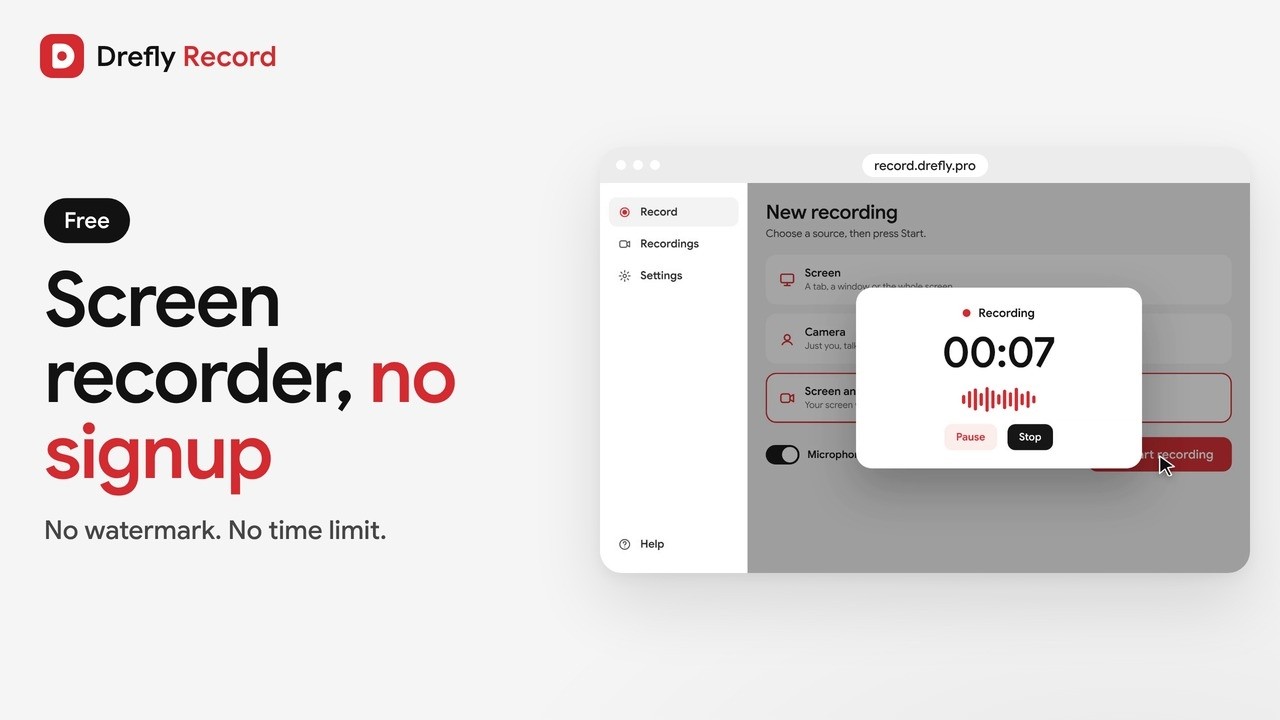
Record your screen, camera, or both together with audio, no sign-up needed.
Save from the web
Paste a link from YouTube, TikTok, Instagram, Facebook, X and more, and save the video, MP3 or image in any quality.
Download YouTube videos in 1080p, 2K, 4K or MP3 by pasting the link.
Convert YouTube videos to MP3 at 128, 192 or 320 kbps, made in your browser.
Save YouTube Shorts in full quality, or as MP3, by pasting the link.
Download TikTok videos in HD or as MP3 by pasting the link.
Save Instagram Reels, videos and photos from public posts.
Download public Facebook videos and Reels in HD or SD.
Save videos, GIFs and images from public X (Twitter) posts.
Download public Vimeo videos in every available quality.
Download Dailymotion videos in HD or as MP3.
Paste a video link and save just the audio as MP3 or the original track.
Paste a post link from X, Instagram, Facebook and more, and save the full-resolution images and thumbnails.
No tools match that search.
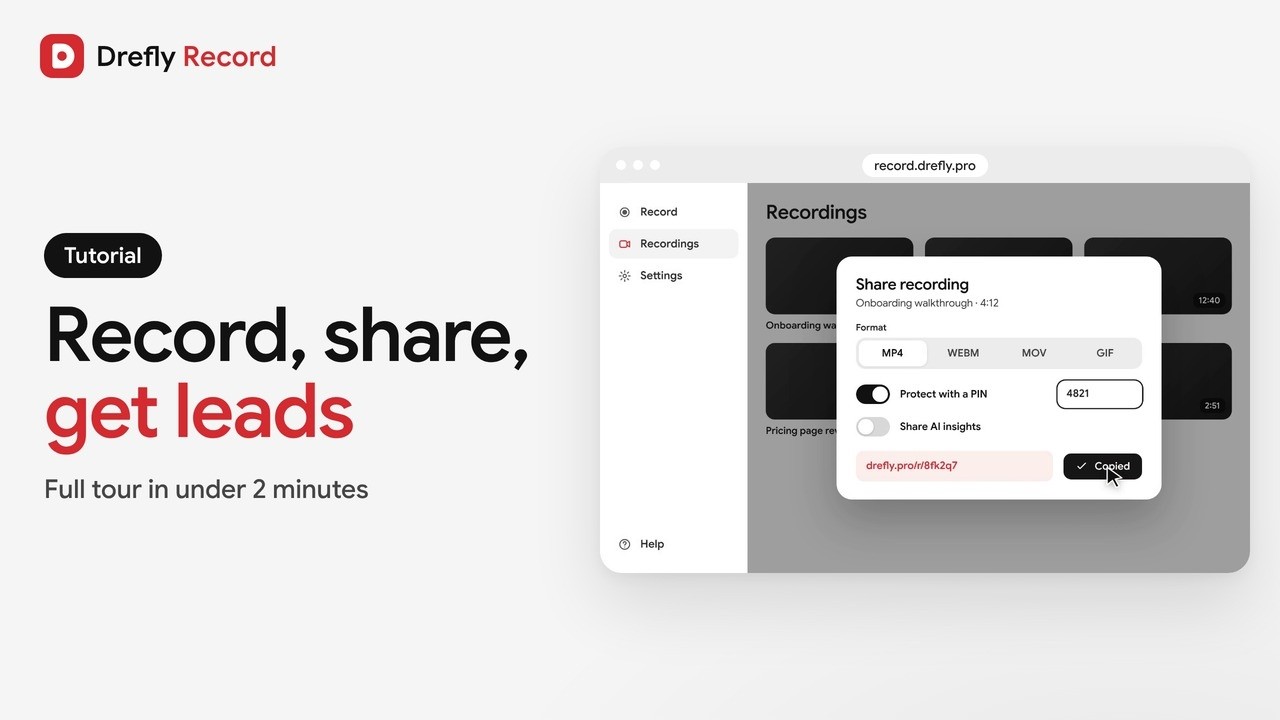
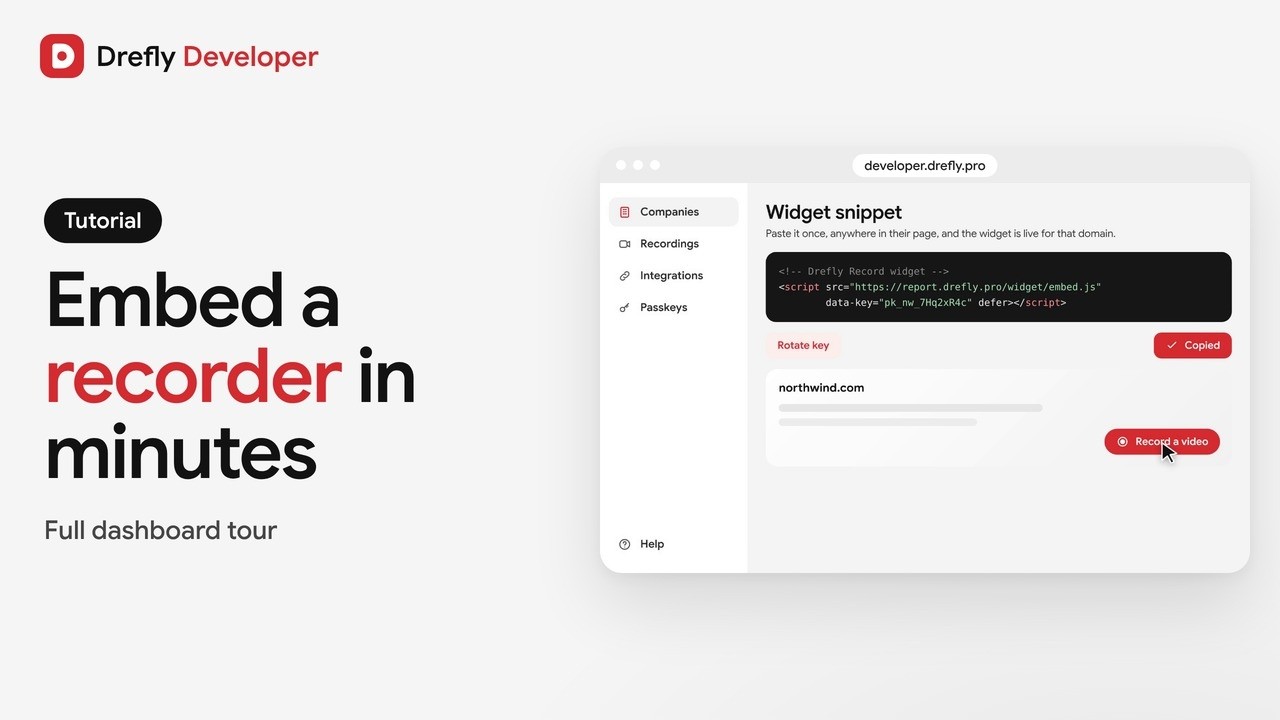
Short demos and full tutorials for every Drefly product. Watch them here or on YouTube.
 Drefly