 Drefly
 for Slack Demo: Record, Share and Manage Screen Recordings in Slack
A quick look at Drefly for Slack: link your account, share your latest recordings with /drefly, record from a shortcut, manage recordings without leaving Slack, and get every customer recording from your website in a channel with its AI summary.
Capitole
Transcriere
Drefly for Slack brings your screen recordings into every channel.
Add the app, and link your Drefly account from its home tab.
Type /drefly to see your latest recordings.
Click Share, and the video plays right in the channel.
Use the Record shortcut to start a recording that posts back here when you share it.
Share, rename or delete a recording, without leaving Slack.
Connect a channel, and every recording your customers send from your website arrives with its AI summary.
Add Drefly to Slack free at drefly.pro.
More videos
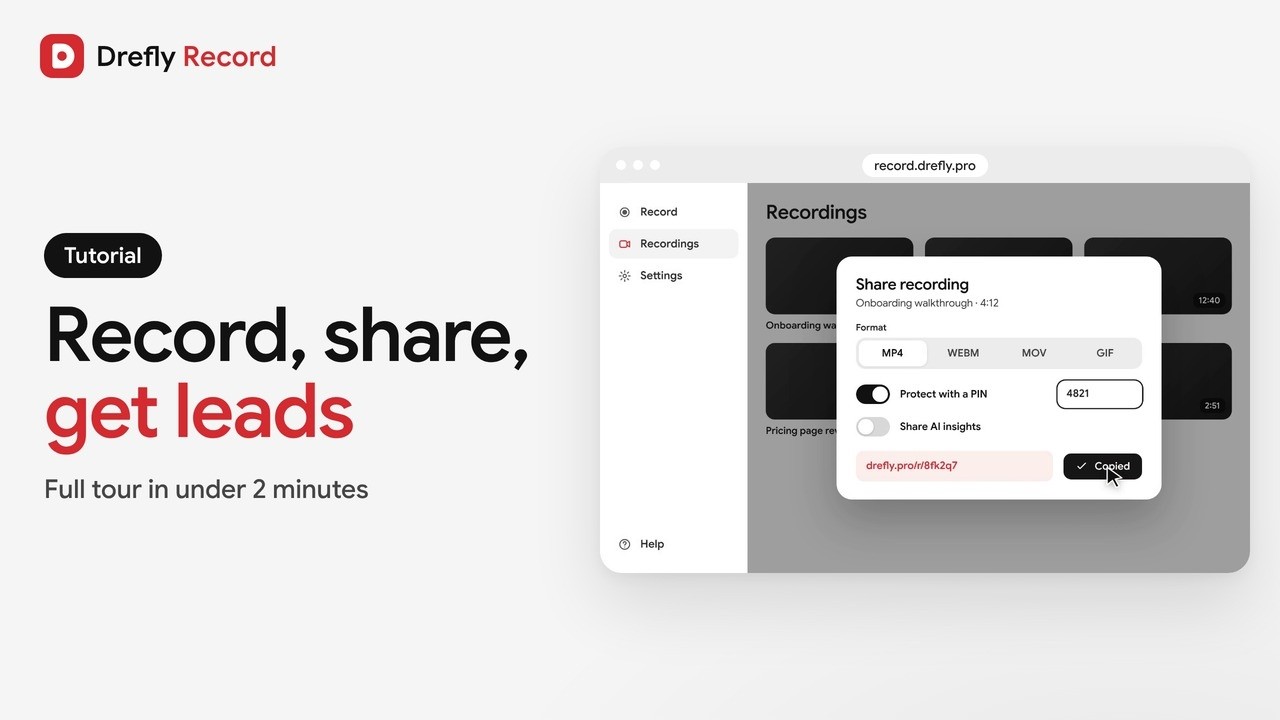 1:34
Drefly Record · Tutorial
Drefly Record Tutorial: Free Screen Recorder, Share Links, AI Notes and Lead Forms
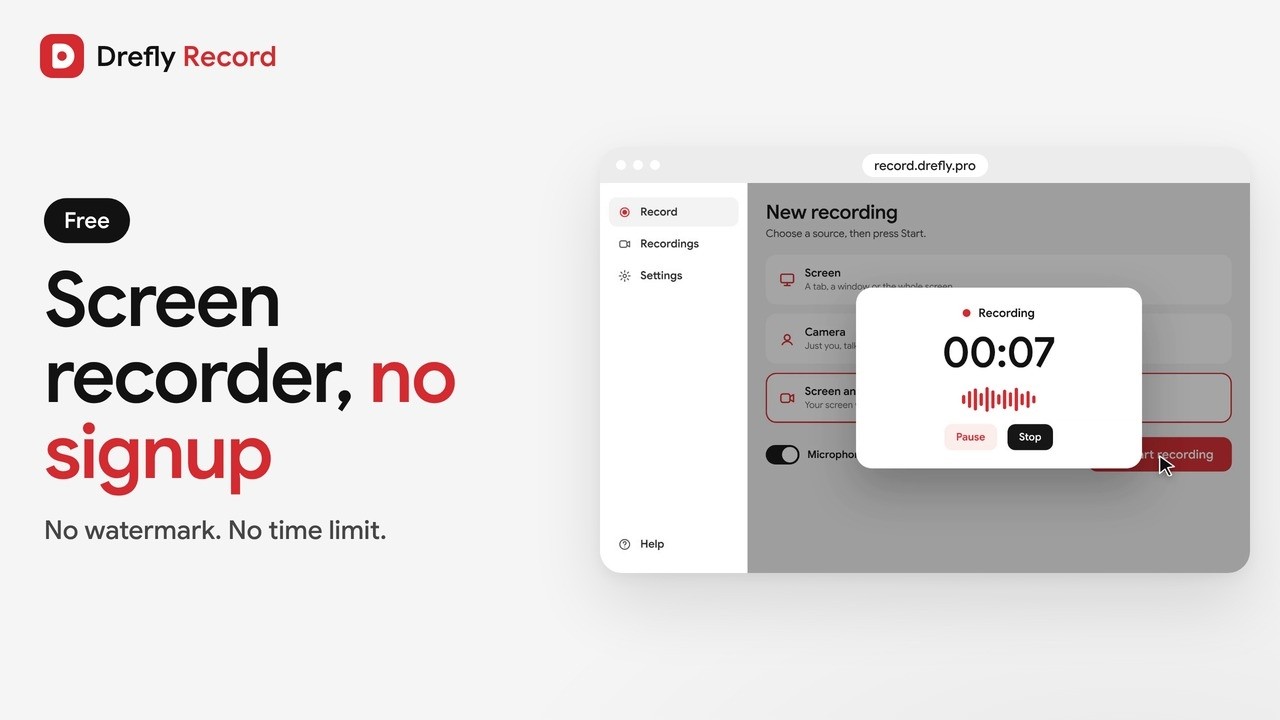 1:00
Drefly Record · Demo
Free Screen Recorder With No Signup and No Watermark | Drefly Record
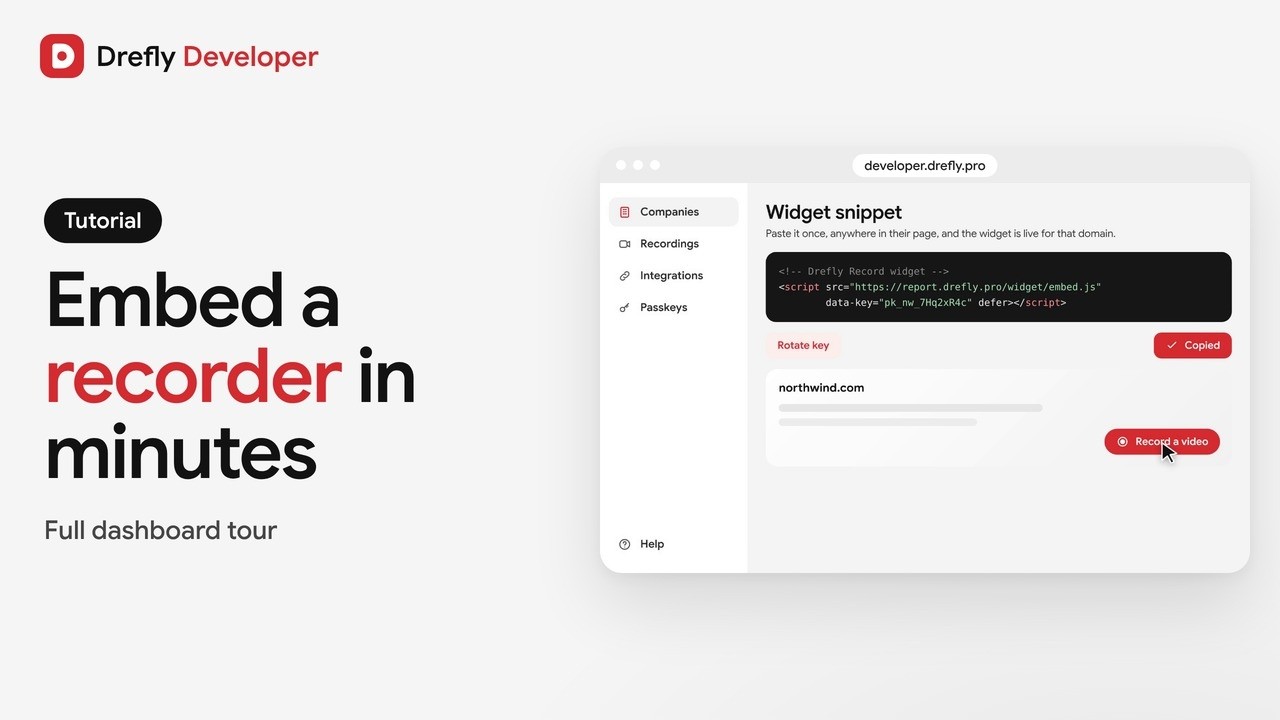 1:16
Drefly Developer · Tutorial
Drefly Developer Tutorial: Embed a Free Screen Recorder Widget on Any Website
 0:50
Drefly Developer · Demo
Get Bug Report Videos From Your Customers With One Script Tag | Drefly Developer
 1:15
Drefly Ads · Demo
Drefly Ads Demo: Advertise on Free Tool Pages People Use Every Day
 1:41
Drefly Ads · Tutorial
Drefly Ads Tutorial: Book, Track and Manage Your Ads
 1:28
Drefly for Slack · Tutorial
Drefly for Slack Tutorial: Commands, Shortcuts and Customer Recordings