 Drefly
 for Slack Demo: Record, Share and Manage Screen Recordings in Slack
A quick look at Drefly for Slack: link your account, share your latest recordings with /drefly, record from a shortcut, manage recordings without leaving Slack, and get every customer recording from your website in a channel with its AI summary.
Mga kabanata
Transcript
Drefly for Slack brings your screen recordings into every channel.
Add the app, and link your Drefly account from its home tab.
Type /drefly to see your latest recordings.
Click Share, and the video plays right in the channel.
Use the Record shortcut to start a recording that posts back here when you share it.
Share, rename or delete a recording, without leaving Slack.
Connect a channel, and every recording your customers send from your website arrives with its AI summary.
Add Drefly to Slack free at drefly.pro.
More videos
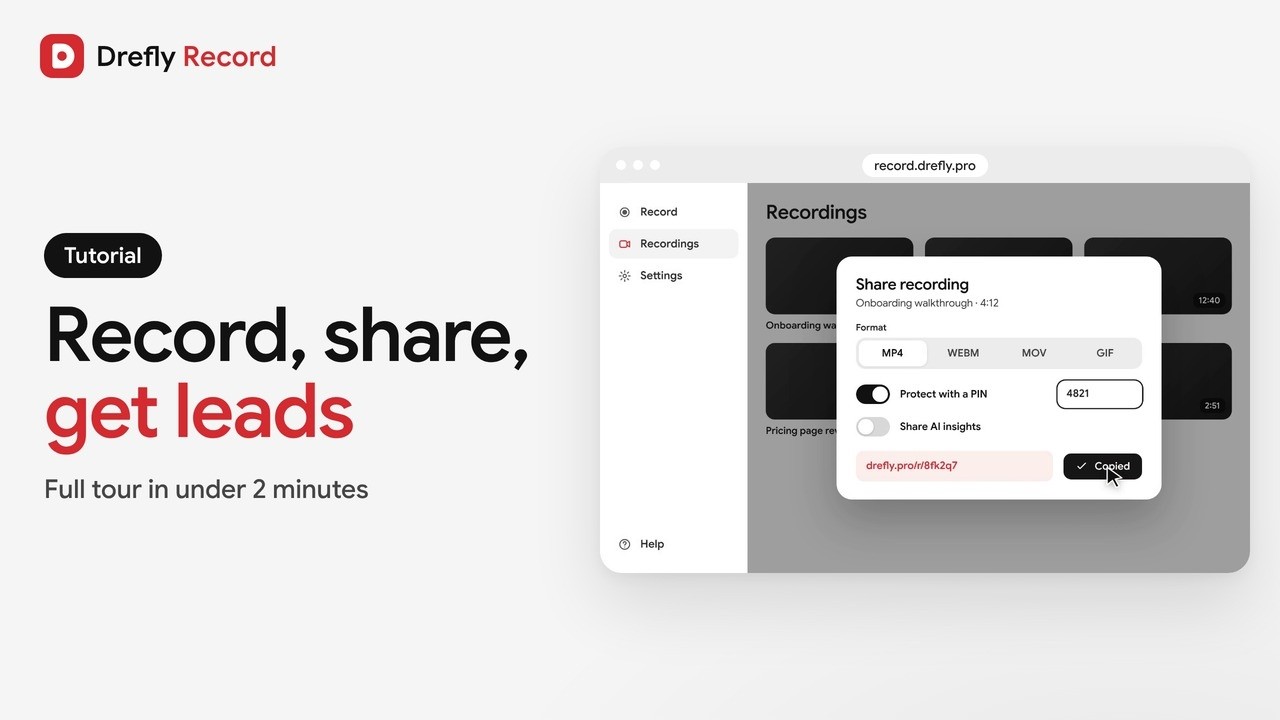 1:34
Drefly Record · Tutorial
Drefly Record Tutorial: Free Screen Recorder, Share Links, AI Notes and Lead Forms
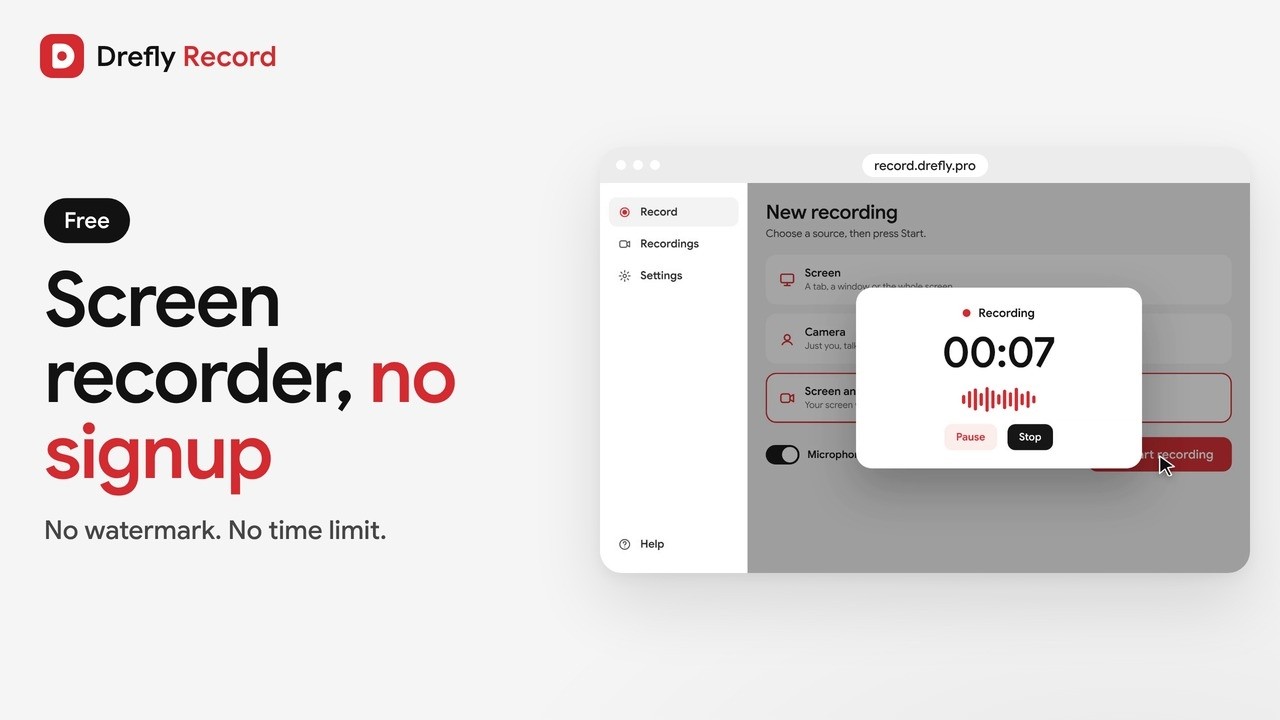 1:00
Drefly Record · Demo
Free Screen Recorder With No Signup and No Watermark | Drefly Record
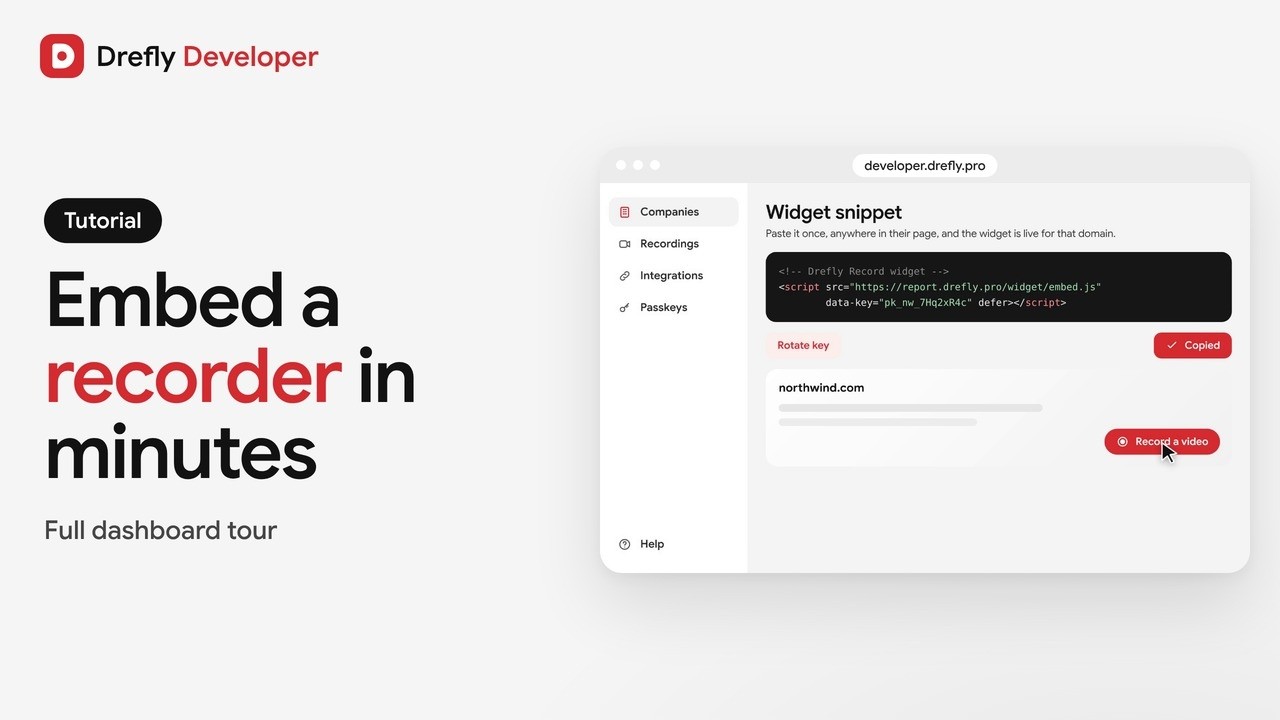 1:16
Drefly Developer · Tutorial
Drefly Developer Tutorial: Embed a Free Screen Recorder Widget on Any Website
 0:50
Drefly Developer · Demo
Get Bug Report Videos From Your Customers With One Script Tag | Drefly Developer
 1:15
Drefly Ads · Demo
Drefly Ads Demo: Advertise on Free Tool Pages People Use Every Day
 1:41
Drefly Ads · Tutorial
Drefly Ads Tutorial: Book, Track and Manage Your Ads
 1:28
Drefly for Slack · Tutorial
Drefly for Slack Tutorial: Commands, Shortcuts and Customer Recordings