 Drefly
 for Slack Tutorial: Commands, Shortcuts and Customer Recordings
Every Drefly command and shortcut in Slack: connect your account, share recordings with /drefly or @Drefly record, start a recording with the Record shortcut, rename, share or delete with Manage recordings, reply in threads, play share links inline with PIN protection, and get customer recordings from your website widget with /drefly-dev connect.
অধ্যায়
ট্রান্সক্রিপ্ট
Welcome to Drefly for Slack. Here's every command and shortcut, step by step.
Add Drefly to Slack from record.drefly.pro.
Then open the Drefly app home, and connect your Drefly account.
In any channel, type /drefly. Only you see your five latest recordings.
Click Share, and the video posts to the channel, ready to play.
Mention @Drefly record to get the same list in a thread.
Open the shortcuts menu and choose Record.
Pick a channel and start. Drefly opens the recorder, and posts the video back when you share it.
Manage recordings lets you share, rename or delete any of your recordings.
Pick one, choose an action, and apply.
To answer a message with a recording, open its menu and choose Share to thread.
Pick the recording, and it's posted as a reply.
Paste any Drefly share link, and it plays right in Slack.
PIN protected recordings stay locked until the PIN is entered.
For your company, run /drefly-dev connect with a channel name.
Every recording customers send from your website widget arrives there with its AI summary.
Click Reply to answer in a thread, or use the Customer recordings shortcut to browse and share them.
That's it. Add Drefly to Slack at drefly.pro.
More videos
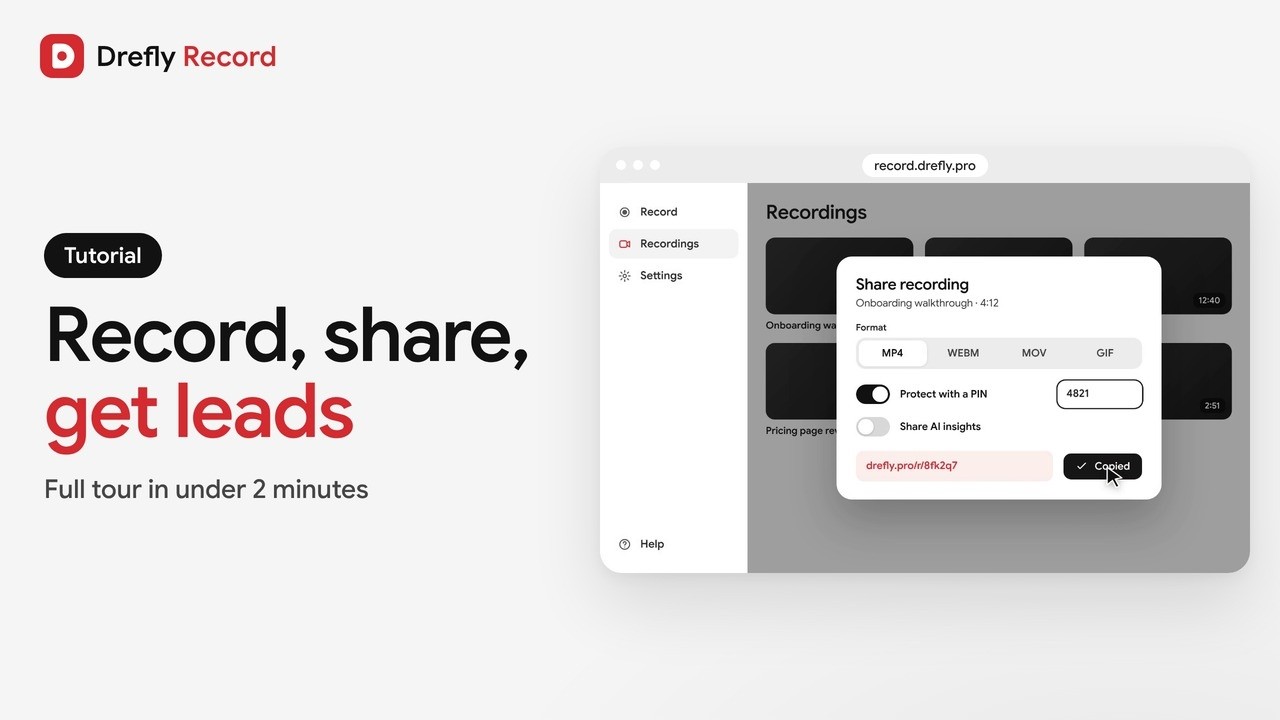 1:34
Drefly Record · Tutorial
Drefly Record Tutorial: Free Screen Recorder, Share Links, AI Notes and Lead Forms
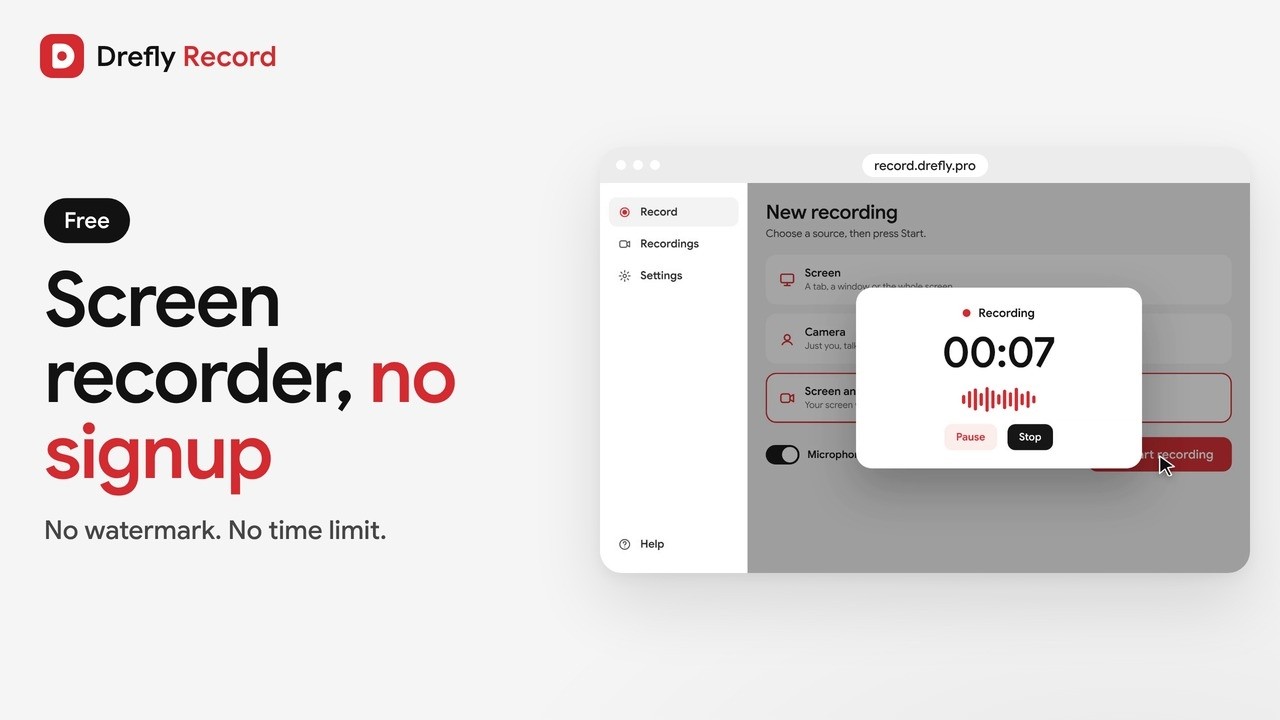 1:00
Drefly Record · Demo
Free Screen Recorder With No Signup and No Watermark | Drefly Record
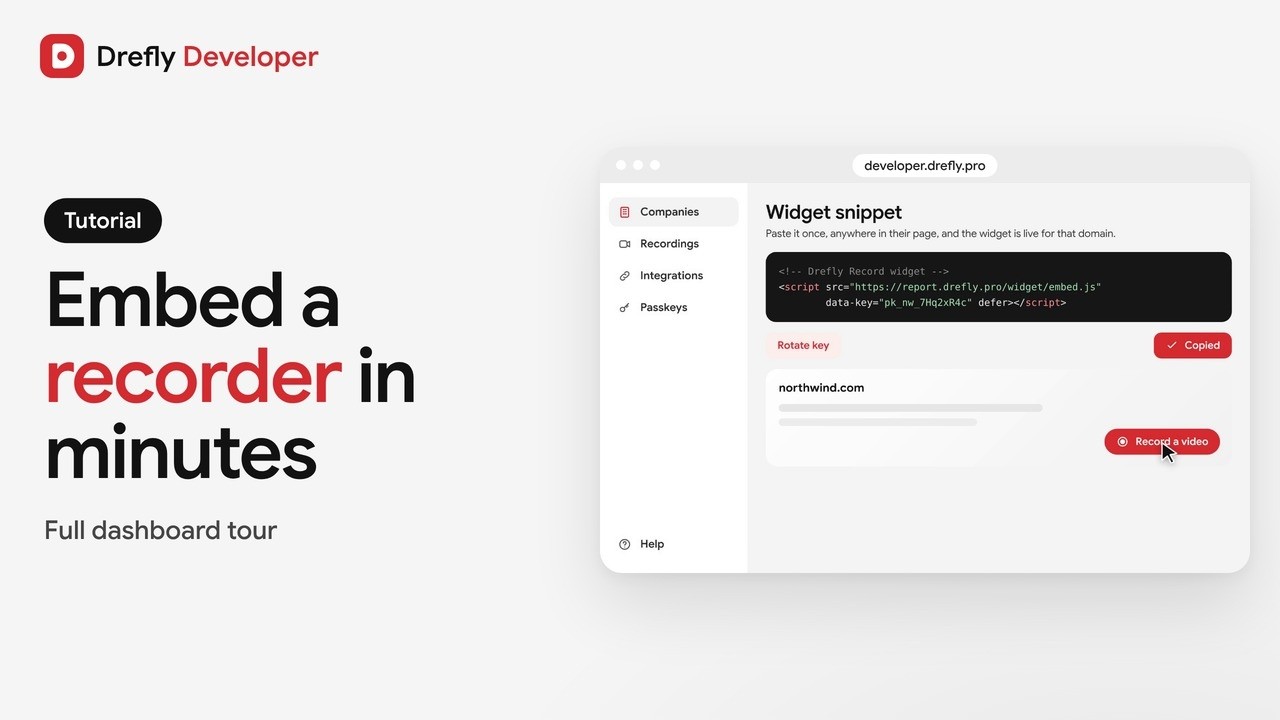 1:16
Drefly Developer · Tutorial
Drefly Developer Tutorial: Embed a Free Screen Recorder Widget on Any Website
 0:50
Drefly Developer · Demo
Get Bug Report Videos From Your Customers With One Script Tag | Drefly Developer
 1:15
Drefly Ads · Demo
Drefly Ads Demo: Advertise on Free Tool Pages People Use Every Day
 1:41
Drefly Ads · Tutorial
Drefly Ads Tutorial: Book, Track and Manage Your Ads
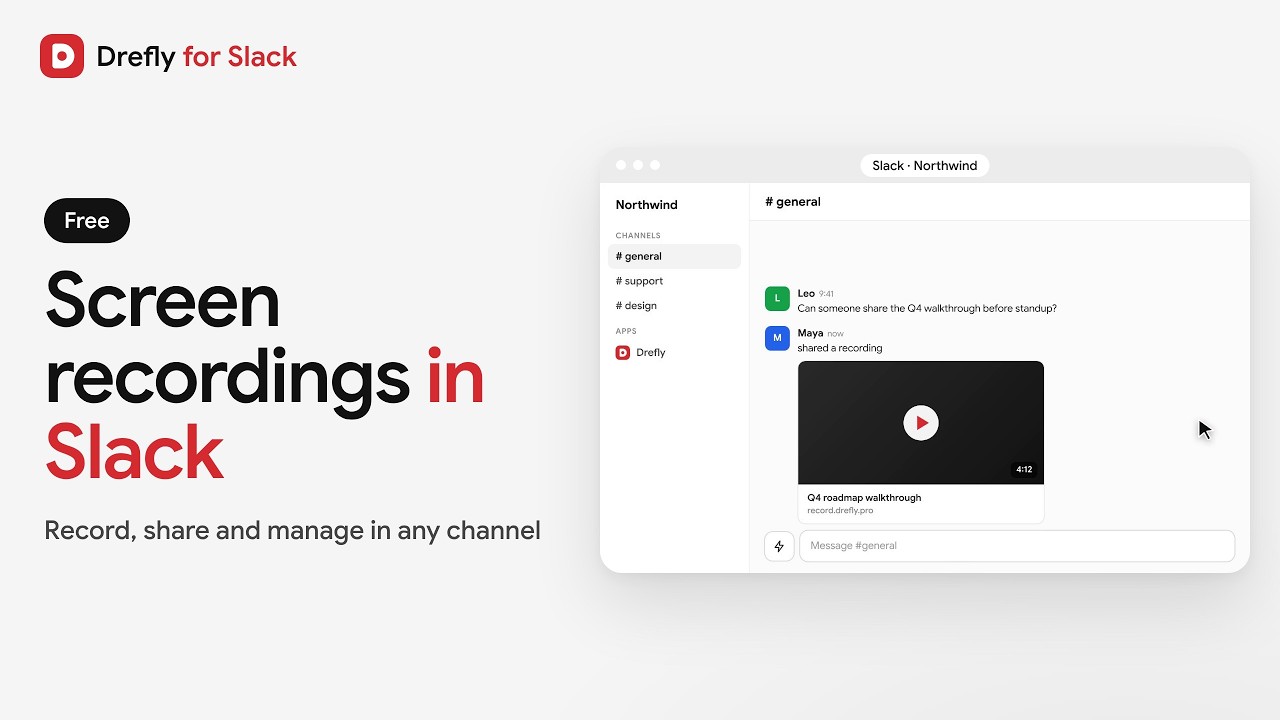 0:53
Drefly for Slack · Demo
Drefly for Slack Demo: Record, Share and Manage Screen Recordings in Slack